
Dynamics 365 for Real Estate Developers: Go-Live Checklist
What a developer needs to configure in Dynamics 365 before go-live, from unit inventory and payment plans to brokers, integrations and UAT.

Posted By admin
 Oct 23, 2026
 05:12:09pm
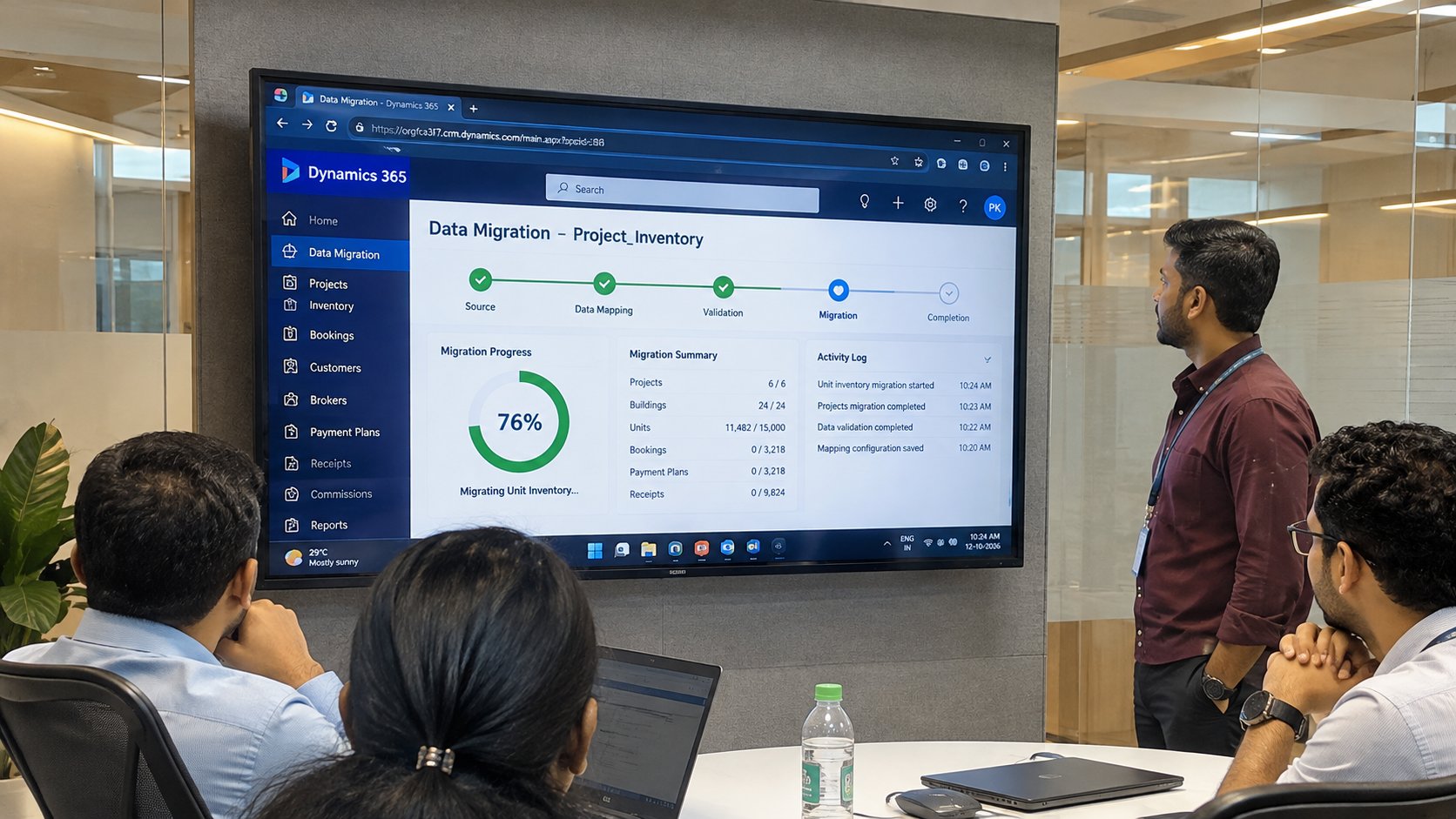
 A real estate developer rarely moves to Microsoft Dynamics 365 with an empty database. Units are already reserved, buyers are mid-way through payment plans, brokers are waiting on commission, and a new launch is usually weeks away. Data migration decides whether the new CRM opens with a trusted record of all of that, or with a backlog of corrections.
We have also put together a full Dynamics 365 data migration checklist your project team can use before cutover.
Our Dynamics 365 go-live checklist for real estate developers covers what to configure before launch. This guide covers the next step, Dynamics 365 data migration for real estate developers: how to move live units, bookings and payment schedules into Dynamics 365 without stopping sales, using Property-xRM, the real estate CRM built on Microsoft Dynamics 365 Customer Engagement, as the reference point.
A typical CRM migration moves accounts, contacts, leads and open opportunities. If a few records arrive incomplete, a sales rep fixes them over the next week. A developer cannot work that way, because the records being moved are commitments with money attached.
Four things make developer migrations harder:
This is why standard Dynamics 365 Sales, which has no native objects for projects, units or payment plans, needs a real estate data model before migration can start. Property-xRM provides that model on Dynamics 365, so migrated data lands in purpose-built structures instead of custom fields added under deadline pressure. See how it fits developers in Microsoft Dynamics 365 CRM for real estate developers.
Load data in the order the records depend on each other. A booking cannot point to a unit that does not exist yet, and a receipt cannot attach to a payment schedule that has not been created.
| Data | Usual source | System of record after go-live |
|---|---|---|
| Unit inventory and status | Spreadsheets or a legacy sales system | CRM |
| Customers and leads | Older CRM, portals, spreadsheets | CRM |
| Bookings and contracts | Sales system, shared folders | CRM |
| Invoices, receipts, ledger | ERP or accounting system | ERP |
| Broker commissions | Spreadsheets, email | CRM for calculation, ERP for payout |
Agreeing the system of record before migration avoids the most common post-launch argument: two systems showing two different balances for the same buyer. Our guide to real estate software integration covers how the CRM and ERP stay in sync after go-live.
The cutover is the short window when the old system stops taking new transactions and Dynamics 365 takes over. For a developer, its timing matters as much as its method.
Microsoft provides native options for loading data into Dataverse, the data platform under Dynamics 365, including the data import wizard, the Configuration Migration tool and dataflows. Larger migrations often use integration tools such as Azure Data Factory or SSIS-based connectors. The tool matters less than the mapping and the reconciliation around it.
An import that finishes without errors only proves the records loaded. Reconciliation proves they are right. Sign-off should come from sales, finance and handover leads together, against agreed checks:
| Check | What must match | Who signs off |
|---|---|---|
| Unit count and status | Units per project and per status (available, reserved, booked, sold, handed over) match the source | Sales operations |
| Booking value | Total booked value per project matches the sales register | Sales and finance |
| Buyer balances | Paid and outstanding amounts per booking match the ERP | Finance |
| Overdue instalments | The overdue list in Dynamics 365 matches finance’s ageing report | Finance and collections |
| Broker commissions | Earned, approved and paid amounts per agency match the commission sheet | Sales and finance |
| Duplicates | No customer appears twice; joint owners are linked correctly | CRM administrator |
| Documents | KYC files and contracts open from the right booking | Sales operations |
Add spot checks on real records. Pick 20 to 30 bookings across projects, payment plans and brokers, and compare each one field by field with the source. Spot checks catch mapping errors that totals hide, such as two instalments swapped or a joint owner attached as the main buyer.
A booking that does not reconcile is fixed in the source mapping and reloaded, not edited by hand in the new system. Manual fixes are lost the next time a trial load runs.
Each source brings its own problems. Knowing them in advance shortens the trial migrations.
Spreadsheets. Many developers run inventory and payment tracking in Excel, often one workbook per project. Expect different column names across projects, unit codes typed by hand, merged cells and statuses written as free text. Standardise unit codes and status values first, then map every workbook to one template.
Older or in-house CRMs. These usually hold good lead and contact history but weak unit and payment data. Decide which lead stages map to which Dynamics 365 stages, and archive leads that have had no activity beyond the agreed cut-off.
Another CRM platform. Developers moving from another CRM platform are usually consolidating on Microsoft for its fit with Outlook, Teams, SharePoint and Power BI. The migration itself is a mapping exercise: custom objects for units or bookings in the old system are matched to Property-xRM’s real estate entities, and attachments are moved to SharePoint folders by project and unit.
ERP and finance systems. Payment data is normally read from the ERP for reconciliation, not copied as a second master. After go-live, the integration keeps receipts and balances flowing into the CRM so sales and collections see the same numbers. The most common reasons these integrations break are covered in real estate CRM integration failures and how to manage them.
Broker records. Broker data is often the messiest, kept across email, spreadsheets and portal exports. Clean it before migration, because lead ownership and commission rules depend on it. Property-xRM’s real estate broker management gives brokers controlled access to their own leads and bookings once the data is in.
Use this list in the final readiness review before cutover.
The Property-xRM team runs migration as part of every implementation, with consultants who work only on real estate CRM. Customers such as Alef Group moved their sales operations onto Dynamics 365 with Property-xRM.
Planning a move to Dynamics 365 while sales are live? Talk to the Property-xRM team about a migration plan that keeps your units, bookings and payment plans accurate.


It depends on the number of projects, the state of the source data and how many systems feed in, more than on data volume. Cleaning and mapping usually take longer than the load itself. Two or more trial migrations in a sandbox give a reliable estimate for the final cutover. The Property-xRM team sets the migration plan in the first workshops, alongside configuration, so data readiness never becomes the reason a go-live slips.
Yes. The usual approach is a full load of historical data a few days before go-live, then a short freeze in which only new and changed records are moved. Reservations taken during the freeze are captured on an agreed form and entered as soon as Dynamics 365 opens. Choosing a cutover date away from project launches keeps the freeze short and low-risk.
Create the payment plan templates first, then load each booking with its plan, the instalments already paid and those still due. The paid and outstanding amounts must match the finance system, booking by booking. Property-xRM manages payment plans, receipts and overdue tracking against the unit and booking, so collections teams see each buyer’s position from day one.
Usually not. Migrate active leads, every customer with a booking and an agreed period of activity history. Older closed leads can be archived and kept for reference. Moving less data makes trial loads faster and gives sales teams a cleaner CRM to start with.
Microsoft offers native options such as the data import wizard, the Configuration Migration tool and dataflows for loading data into Dataverse. Larger or repeated migrations often use Azure Data Factory or SSIS-based connectors. For a developer, the tool choice matters less than a correct real estate data model and a reconciliation plan, which is where a real estate specialist adds the most value.
In most developer setups the ERP stays the system of record for invoices, receipts and the general ledger. Migration reads those figures to reconcile buyer balances, and the CRM-ERP integration keeps them in sync afterwards. Property-xRM connects with Microsoft tools and with third-party ERP systems such as Oracle and SAP, so developers keep their finance system while sales moves to Dynamics 365.
A generic partner has to build the real estate data model before migration can start, which adds time and risk. Property-xRM already has projects, units, bookings, payment plans, brokers and handover built on Dynamics 365. Metadata Technologies is a Microsoft Solutions Partner with 100+ implementations across 12+ countries and 70+ professionals who work only on real estate, so migration questions about units, payment plans and commissions are answered from experience, not learned on the project.